DeskPi RackMate 10-inch 2U Rack Mount with PCIe NVMe Board for Raspberry Pi 5 (DP-0046)
Description
The DeskPi RackMate 2U PCIe NVMe Mount (DP-0046) is a 10-inch 2U rack mount for housing two Raspberry Pi 5 (or Raspberry Pi 4B) single-board computers side-by-side with two independent M.2 NVMe SSD slots. The 2U vertical profile gives extra clearance for tall active coolers and HAT boards while keeping both NVMe drives independently wired to each Pi's PCIe bus.
Key Features
- 2U Vertical Clearance: Room for tall active coolers, HAT boards, and full-height fan assemblies.
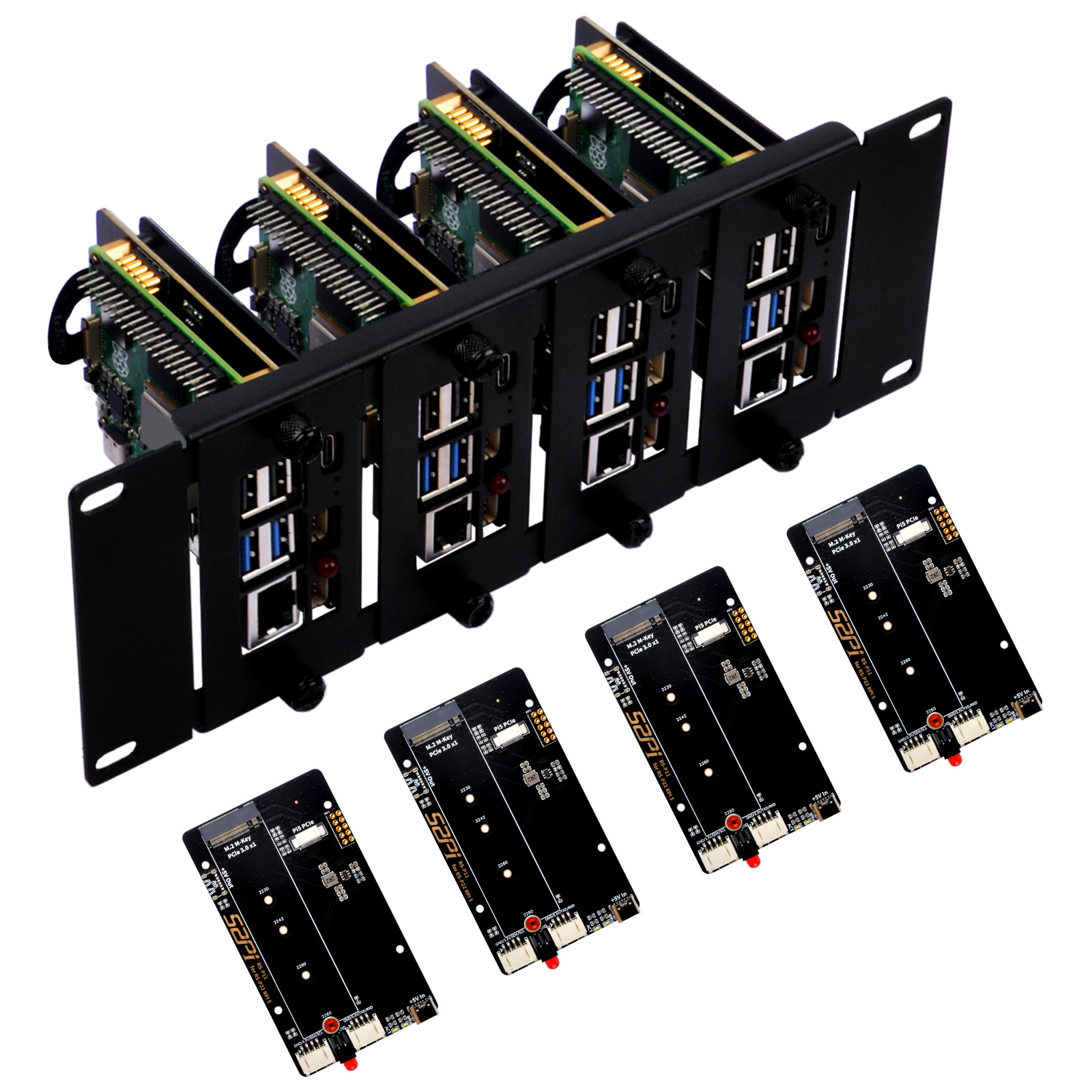
- Dual Independent NVMe Slots: Each Pi gets its own M.2 M-Key NVMe SSD via dedicated 16-pin FPC ribbon cables.
- Full Form-Factor NVMe Support: Accommodates M.2 2230, 2242, 2260, and full-length 2280 SSDs.
- Convenient Front-Facing Access: Quick access to MicroSD slots, USB ports, Ethernet, and power switches.
- Carbon Steel Chassis: SPCC cold-rolled steel with matte black powder coat.
- Programmable Front Indicators: Independent red UID LEDs mapped to GPIO4 for software-defined telemetry.
Technical Specifications
| Specification | Details |
|---|---|
| Model SKU | DP-0046 |
| Form Factor | 10-Inch Server Rack Mount (2U Height) |
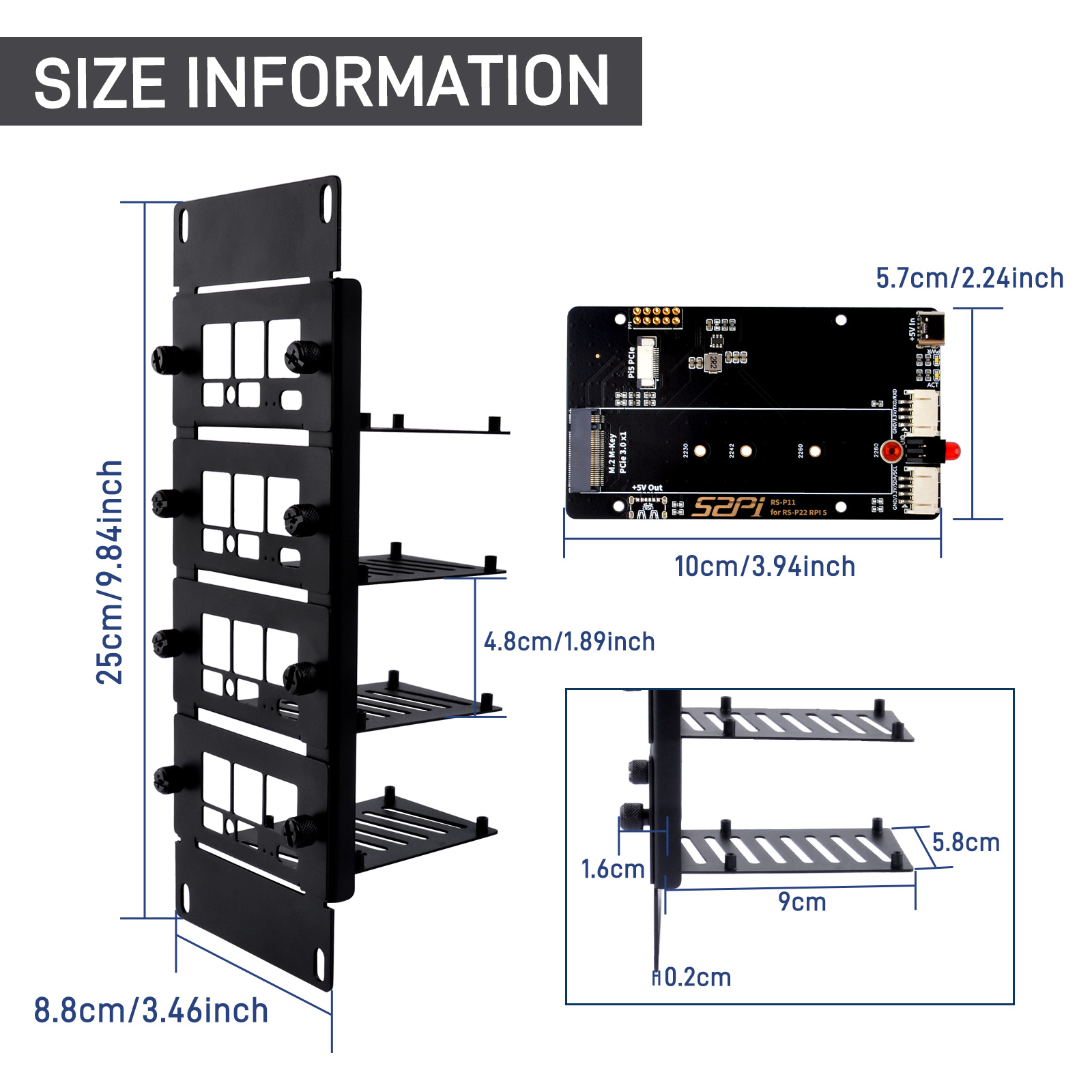
| Overall Dimensions | 250 × 88 × 88.9 mm (9.84 × 3.46 × 3.50 in) |
| Board Capacity | Up to 2× Raspberry Pi 5 or Raspberry Pi 4B |
| Storage Expansion | 2× M.2 M-Key NVMe SSD slots (PCIe Gen 2.0 / 3.0 on Pi 5) |
| Supported SSD Sizes | 2230, 2242, 2260, 2280 |
| Chassis Material | SPCC Cold-Rolled Carbon Steel |
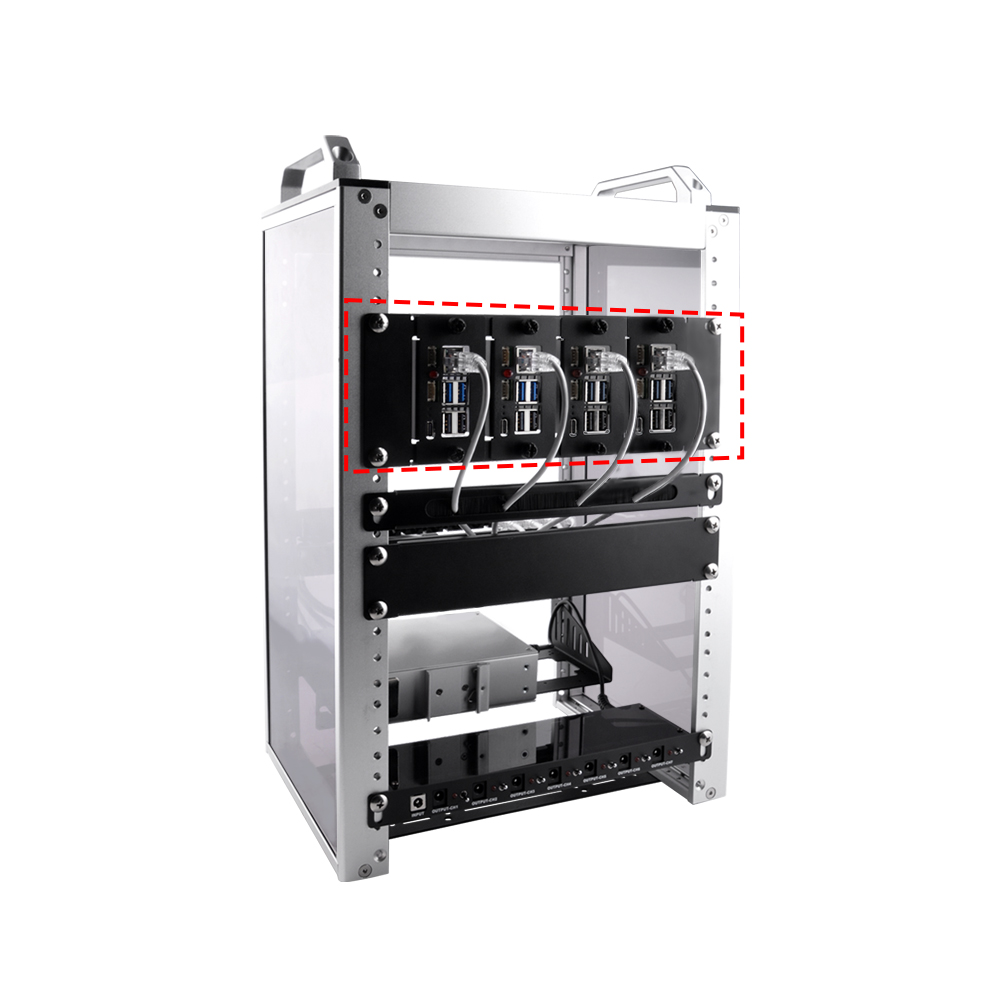
| Cabinet Compatibility | DeskPi RackMate T0, RackMate T1, and standard 10" cabinets |
Gallery
Software Configuration Guide
1. Enable PCIe Interface on Raspberry Pi 5
By default, the external PCIe connector on the Raspberry Pi 5 is disabled. Open /boot/firmware/config.txt to enable it:
sudo nano /boot/firmware/config.txt
Add the following under the [all] section:
[all]
dtparam=pciex1
Save and reboot (sudo reboot). Verify the SSDs are recognized:
lsblk
2. Enable PCIe Gen 3.0 (Optional)
For experimental Gen 3 transfer speeds:
[all]
dtparam=pciex1
dtparam=pciex1_gen=3
If you encounter PCIe bus timeouts or filesystem errors under sustained load, comment out dtparam=pciex1_gen=3 to run at the certified Gen 2.0 speed.
3. Direct Boot from NVMe (No MicroSD Card)
sudo rpi-eeprom-config --edit
Update BOOT_ORDER to prioritize NVMe:
BOOT_ORDER=0xf416
4. Front Panel UID LED Control (GPIO4)
Control the front-facing identity LED with gpiozero:
from gpiozero import LED
from time import sleep

led = LED('GPIO4')

while True:
    led.on()
    sleep(1)
    led.off()
    sleep(1)
Or with RPi.GPIO:
import RPi.GPIO as GPIO
import time

GPIO.setmode(GPIO.BCM)
GPIO.setup(4, GPIO.OUT)

try:
    while True:
        GPIO.output(4, GPIO.HIGH)
        time.sleep(1)
        GPIO.output(4, GPIO.LOW)
        time.sleep(1)
finally:
    GPIO.cleanup()
Compatible Rack Models
| Rack Model | Documentation | |
|---|---|---|
| DeskPi RackMate T0 | DP-0047 | 10-inch 4U Open-Frame Rack |
| DeskPi RackMate T1 | DP-0022 | 10-inch 8U Server Cabinet |
Frequently Paired Accessories
| Accessory | SKU | Form Factor | Recommended Use |
|---|---|---|---|
| DC PDU Lite 7-CH | DP-0042 | 0.5U | Centralized DC power for both Raspberry Pi nodes |
| 12-Port CAT6 Patch Panel | DP-0034 | 0.5U / 1U | Clean network interconnects to upstream switch |
| 0.5U Cable Management Panel | DP-0044 | 0.5U | Manage ethernet patch cords and USB cables |
| 2U Dual Cooling Fan Panel | DR-0006 | 2U | Active exhaust cooling for high-density SBC clusters |
| 1U PCIe NVMe Mount | DP-0039 | 1U | Companion 1U mount for additional Pi 5 nodes |