DeskPi RackMate 12-Port CAT6 Patch Panel (DP-0034)
SKUDP-0034
Height / Form Factor0.5U · 10-Inch Rack Mount
Port Density12× RJ45 CAT6 Keystone Pass-Through
Cabinet CompatibilityRackMate T0 / T1 & Universal 10" Racks
Description
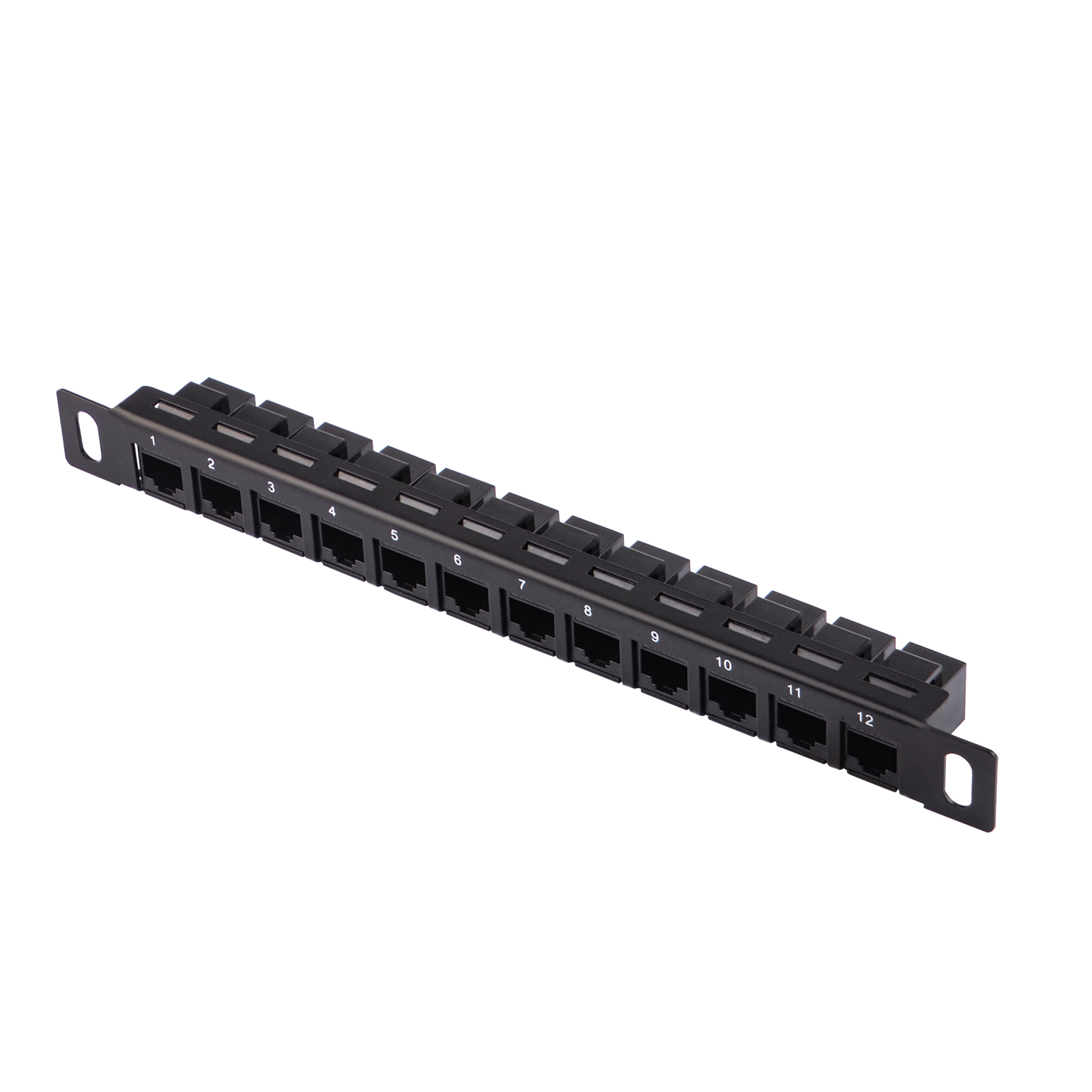
The DeskPi RackMate 12-Port CAT6 Network Patch Panel (DP-0034) is a compact 10-inch 0.5U rackmount patch panel designed for structured Ethernet cabling inside RackMate server enclosures.
Its inline pass-through keystone design eliminates the need for punch-down tools, allowing rapid cable termination, numbered port tracking, and clean patch cord routing.
Key Features
- Standard 10-Inch 0.5U Profile: Ultra-compact vertical footprint maximizes remaining rack space for compute nodes and switches.
- 12 RJ45 CAT6 Pass-Through Ports: High-bandwidth female-to-female keystones supporting 1GbE and 2.5GbE network infrastructure.
- Pre-Numbered Front Ports: Clear silk-screened port numbering (1–12) for intuitive cable mapping and patch documentation.
- Toolless Inline Termination: Connect standard patch cables directly into the rear jacks without punch-down wiring.
- Universal Fit: Fully compatible with DeskPi RackMate T0, RackMate T1, and universal 10-inch desktop server racks.
Technical Specifications
| Parameter | Specification |
|---|---|
| Model SKU | DP-0034 |
| Form Factor | 10-Inch Rack Mount (0.5U Height) |
| Dimensions | 255 mm × 29 mm × 23 mm (10" × 1.14" × 0.9") |
| Number of Ports | 12 Ports (RJ45 CAT6 Pass-Through) |
| Keystone Type | Inline Female-to-Female RJ45 CAT6 Couplers |
| Chassis Material | Cold-Rolled Carbon Steel with Powder Coat |
| Mounting Hardware | Includes M4/M5 rack screws and spacers |
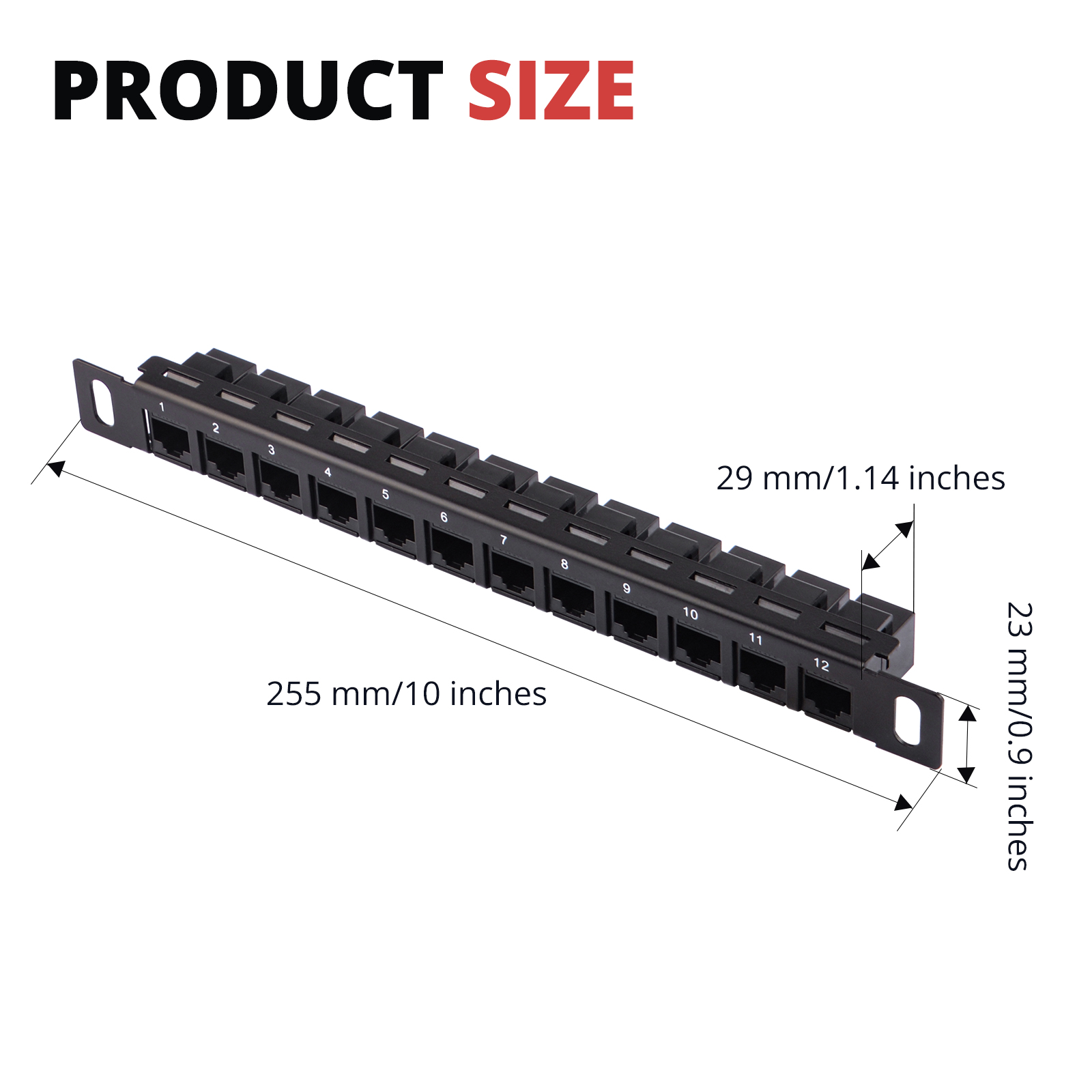
Product dimensions and mounting hole placement
Installation & Instructions
- Align the mounting ears of the patch panel with the designated 0.5U / 1U rail holes in your 10-inch rack.
- Fasten the panel using the included screws and spacers.
- Plug rear Ethernet leads into the numbered coupler jacks, then route front patch cables to your switch or SBCs using the 0.5U D-Ring Cable Manager (DP-0044).
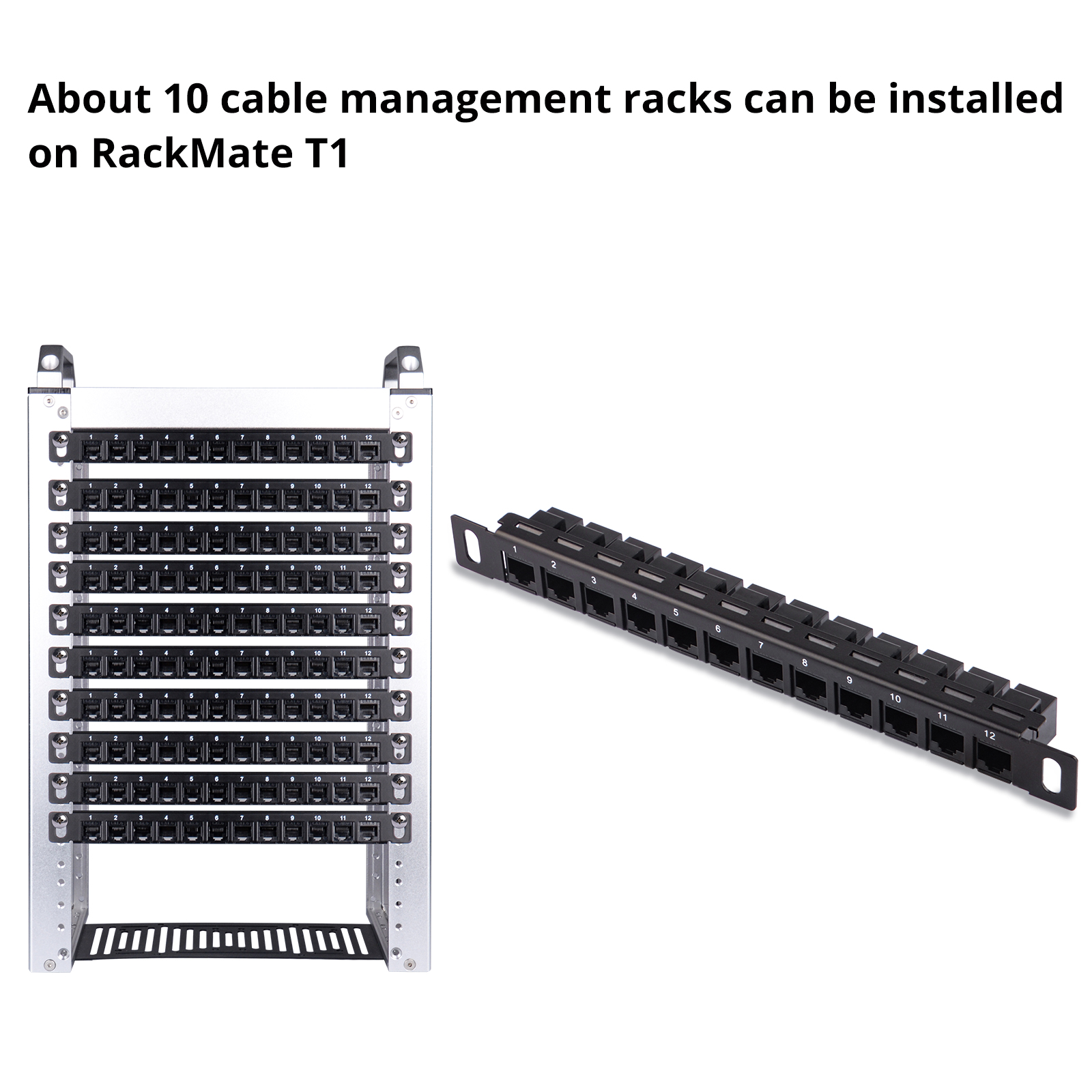
High-density installation example inside DeskPi RackMate T1
Related Products & Ecosystem
- 0.5U Cable Management with 3 D-Rings (DP-0044) — Organize patch cord slack directly beneath the patch panel.
- 1U Cable Entry Brush Panel (DP-0055) — Dust barrier pass-through for incoming WAN and uplink lines.
- RackMate 8U Build Guide — Layout suggestions and vertical space budgeting.