DeskPi RackMate 10-inch 1U Rack Mount with PCIe NVMe Board for Raspberry Pi 5 (DP-0039)
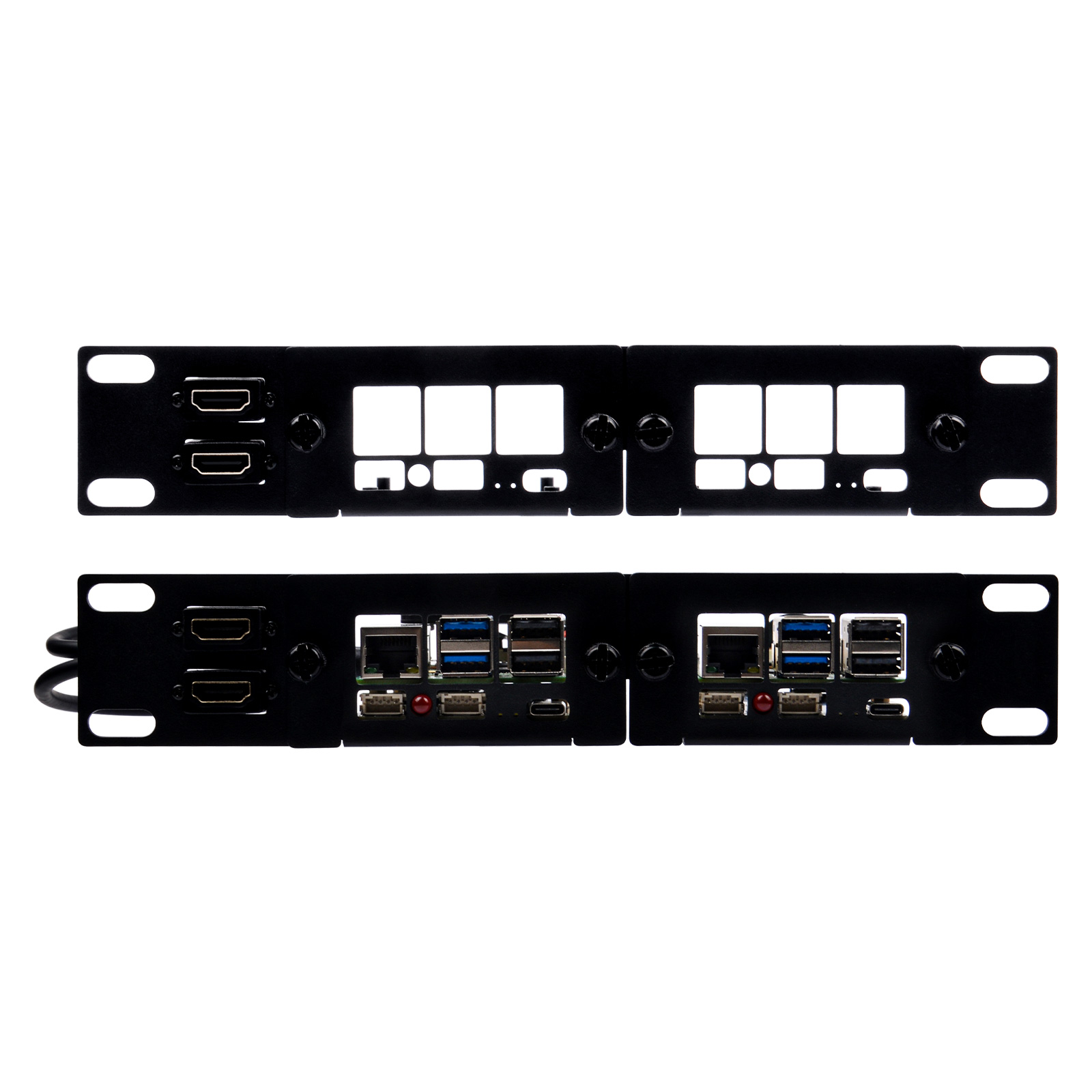
SKUDP-0039
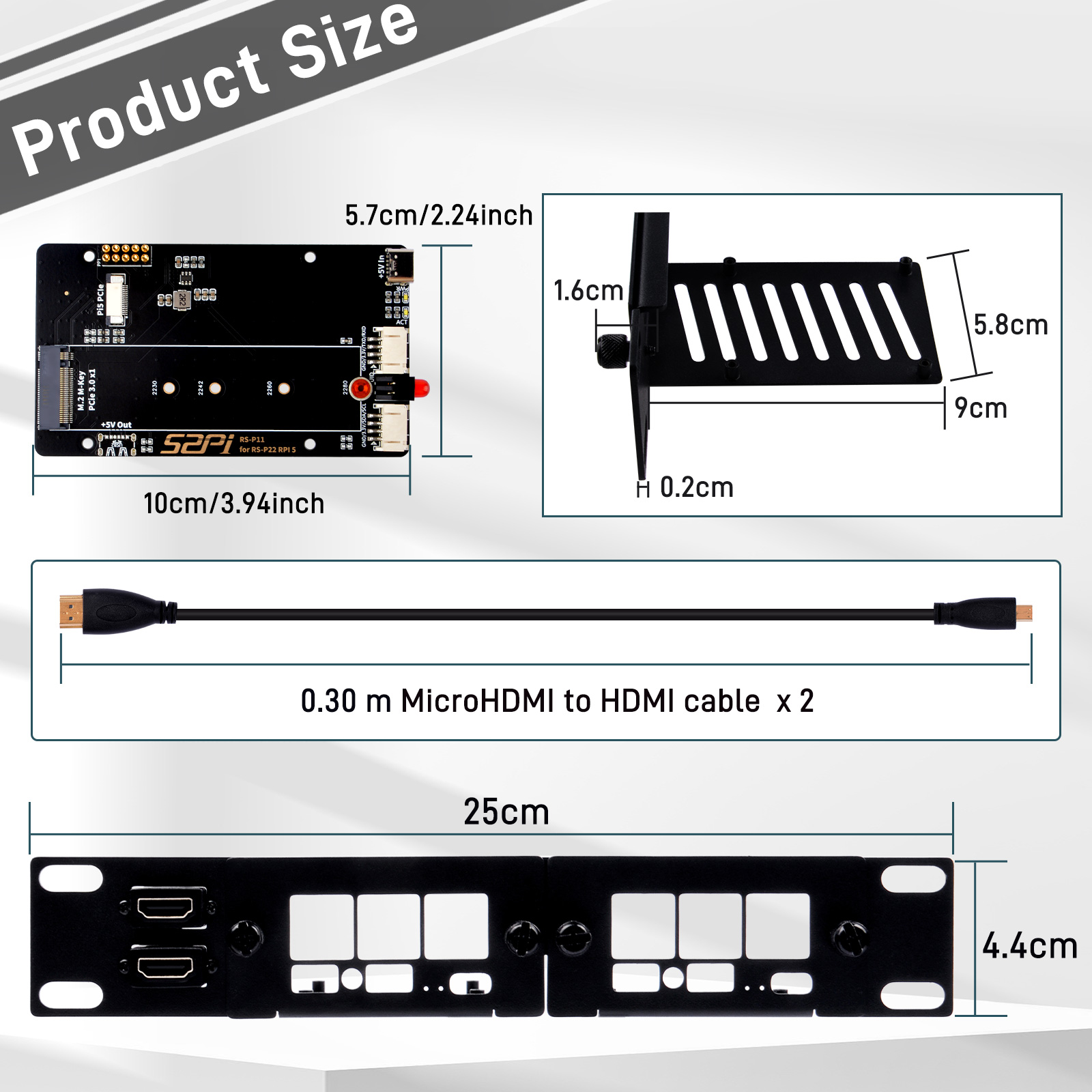
Form Factor1U · 10-Inch Rack Mount
SBC CompatibilityRaspberry Pi 5 & Raspberry Pi 4B
Storage ExpansionM.2 NVMe SSD (2230/2242/2260/2280)
Description
The DeskPi RackMate 1U PCIe NVMe Mount (DP-0039) is a 10-inch 1U rack mount for the Raspberry Pi 5 and Raspberry Pi 4B, integrating a high-speed M.2 NVMe SSD expansion board with front-facing status LEDs and easy access to all native ports.
Key Features
- Standard 10-Inch 1U Form Factor: Fits directly into any 10-inch rack cabinet.
- Dedicated Pi 5 PCIe NVMe Expansion: M.2 M-Key NVMe SSDs (2230 / 2242 / 2260 / 2280) via a high-bandwidth 16-pin FPC PCIe ribbon cable.
- Toolless Maintenance: Boards and expansion trays are secured with captive thumb screws.
- Durable Cold-Rolled Steel: SPCC chassis finished in matte black powder coat.
- Front Panel Status & UID LED: Programmable red LED connected to GPIO8 (Pi4) / GPIO4 (Pi5).
Technical Specifications
| Specification | Details |
|---|---|
| Model SKU | DP-0039 |
| Form Factor | 10-Inch Server Rack Mount (1U Height) |
| Target SBCs | Raspberry Pi 5 (4GB / 8GB / 16GB) & Raspberry Pi 4 Model B |
| PCIe Interface | M.2 M-Key NVMe (PCIe Gen 2.0 / Gen 3.0 on Pi 5) |
| Supported SSD Sizes | 2230, 2242, 2260, 2280 |
| Chassis Material | SPCC Cold-Rolled Carbon Steel |
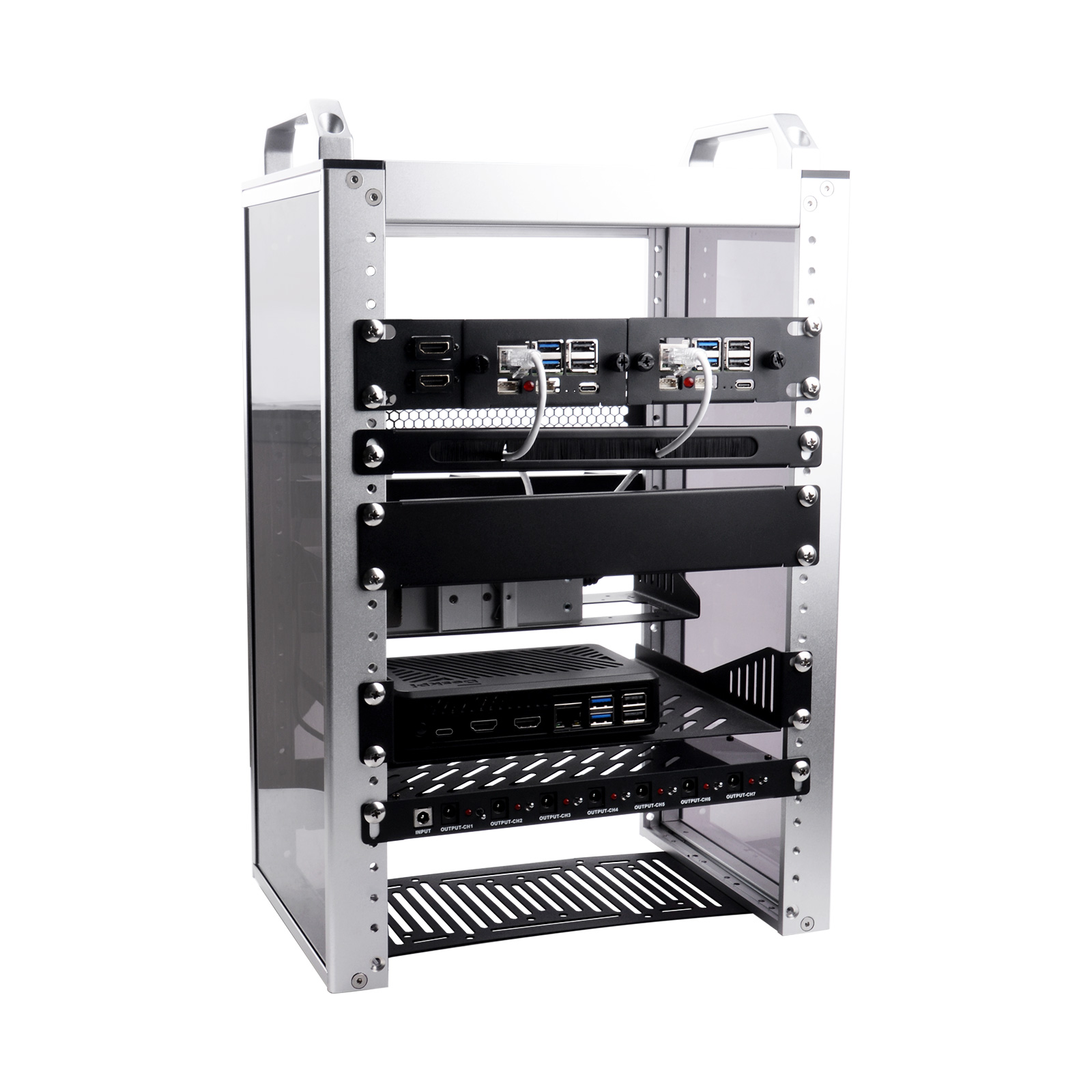
| Cabinet Compatibility | DeskPi RackMate T0, RackMate T1, and universal 10" server racks |
Gallery
Software Configuration Guide
1. Enable PCIe Interface on Raspberry Pi 5
By default, the external PCIe connector on the Raspberry Pi 5 is disabled. Open /boot/firmware/config.txt:
sudo nano /boot/firmware/config.txt
Add the following under [all]:
[all]
dtparam=pciex1
Save and reboot (sudo reboot). Verify with:
lsblk
2. Enable PCIe Gen 3.0 (Optional)
For experimental Gen 3 transfer speeds:
[all]
dtparam=pciex1
dtparam=pciex1_gen=3
Stability Note
If you encounter PCIe bus timeouts under heavy I/O, comment out dtparam=pciex1_gen=3 to fall back to certified Gen 2.0.
3. Direct Boot from NVMe (No MicroSD Card)
sudo rpi-eeprom-config --edit
Update BOOT_ORDER to prioritize NVMe:
BOOT_ORDER=0xf416
4. Front Panel UID LED Control (GPIO8 on Pi4 / GPIO4 on Pi5)
from gpiozero import LED
from time import sleep

led = LED('GPIO8')   # use 'GPIO4' on Pi 5

while True:
    led.on()
    sleep(1)
    led.off()
    sleep(1)
Frequently Paired Accessories
| Accessory | SKU | Form Factor | Recommended Pairing |
|---|---|---|---|
| DeskPi RackMate T1 | DP-0022 | 8U Cabinet | Complete enclosed desktop homelab rack |
| 2U PCIe NVMe Mount | DP-0046 | 2U | Dual Pi 5 mount with extra vertical clearance |
| DC PDU Lite 7-CH | DP-0042 | 0.5U | Centralized power distribution for multiple SBCs |
| 12-Port CAT6 Patch Panel | DP-0034 | 0.5U / 1U | Front-facing network patch cord management |
| 0.5U Cable Management Panel | DP-0044 | 0.5U | Clean cable routing with 3 rotating D-rings |
| 1U Brush Strip Entry Panel | DP-0055 | 1U | Dust protection for pass-through network cables |